TRAVEL
6 Things You Can do With Google Maps
Romar Fernando
January 27, 2016
-
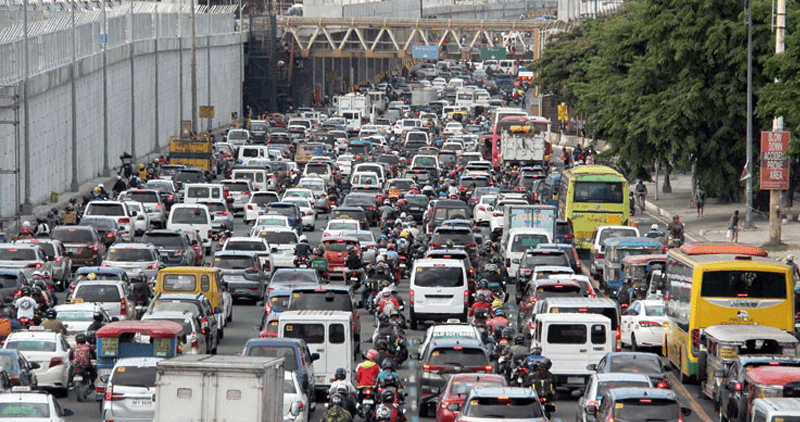
Stucked in a horrible traffic? Or being lost in streets? Google Maps offers satellite imagery, street maps and route planning through the use of your desktops and smart phones.
So, here are six things you can actually do with Google Maps:

THE GOOGLE MAPS 3D STREET VIEW
Using its street view mode, Google Maps become more exciting because of its 3D view of the location you are looking for.
If you are searching for any place, the chance of getting lost will surely be lessen because you can see images of your specific location instantaneously. You can also use “the peg man,” the little man on the corner, to look on streets in 3D.
STREET VIEW IS NOT JUST 3D, BUT ALSO CONTAINS HISTORY
Is it your first time in a place you do not know? Here’s another helpful guide in travelling to somewhere. Google Maps gathered some historical imagery to create “digital time capsule of the world,” and how these places change over the years.
CHANGE YOUR NATIONALITY AND LANGUAGE
Google Maps is now modified for different nations and languages. Just change your domain in the URL such as ‘.jp’ for Japan and ‘.ph’ for the Philippines, and everything will be modified according to your preference.
INDOOR DIRECTIONS
In the ecosystem of maps, it is very essential to have indoor maps. Through Google Maps, in select location, you just zoom the maps all the way until you see the details within that specific location. It is also useful for companies, schools and government in making detailed maps and emergency routes.
IMMERSE OFF-ROAD
Google Maps now is not just limited to streets! In a project called “Treks,” Google had started capturing landscape photos, notable locations and historical places to engage users into a more exciting adventure. You can upload your own selfies and panoramas to stimulate friends and colleagues to do the same.
ACCESS MAPS OFFLINE
Are you planning for an out of town adventure? Limited access in remote areas is not a problem anymore, in such places with limited connections, you can access Google Maps offline and enable users to download and get directions. Just search for your happy location and choose “save offline map,” and it will be included to your list.
Download Google Maps in your smart phones and tablets and enjoy its newest features as you take your hassle free drive.
-
COMMENTS


Related Contents
-
CAVITEX is set to raise its toll rates beginning August 21
August 16, 2023
-
Wilderness: Explore the beauty of hidden sceneries in the Philippines
July 26, 2023
-
Be mindful of these alternative routes in QC during SONA
July 19, 2023